
EU Data Residency
Vouched offers EU-hosted accounts for customers who need identity data to reside in the European Union. An EU account is hosted separately from a US account, with its own environment, dashboard, and data storage.
Regions
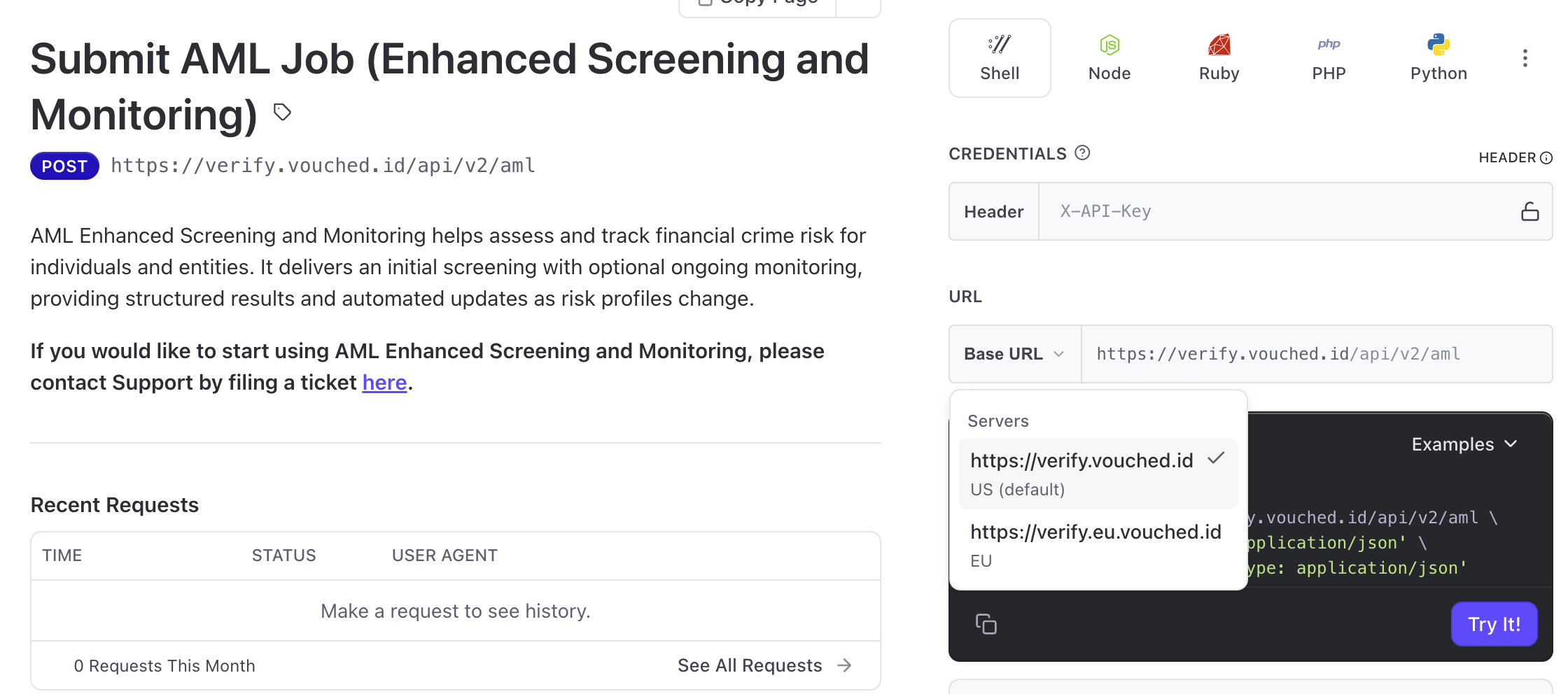
Vouched runs two production environments, verify.vouched.id (US) and verify.eu.vouched.id (EU). Every request, key, and job belongs to one of them. See the Regions section of the API Overview as well as access it via the server drop down in the API Reference
⚠️ A single account cannot operate in both regions.
Because each region is hosted separately, an account exists in either the US environment or the EU environment — never both. If you need verifications in the other region, contact Customer Success to have a second account set up. Accounts cannot be moved or split between regions after the fact.
Where your data is stored
For EU-based accounts, identity data is stored in the EU.
Verification checks run on Vouched's US processing infrastructure, so data is sent to the US to be processed and the results are returned to and stored in the EU. Data is never stored in the US for an EU account.
What is separate between regions
Because the two environments are independent, the following do not carry over from one region to the other:
- Accounts. Each account belongs to one region.
- Dashboard login. EU accounts sign in at a separate URL: app.eu.vouched.id/signin. US accounts sign in at app.vouched.id/signin.
- Jobs. Jobs are not shared across regions. A job submitted to one environment is not visible in the other, through the dashboard or the API.
- API keys, webhooks, and account configuration. These belong to the regional account they were created in and only apply there.
What works the same
- SSO. Single sign-on works for EU accounts exactly as it does for US accounts. Only the login URL differs.
- Note: Always ensure you are logging into the correct region if you have 2 accounts.
- Products and verification flows. The verification capabilities available to your account are not affected by which region it is hosted in at this time, match coverage of certain job types may vary.
Setting up an EU account
- Contact Customer Success. EU accounts are provisioned by the Vouched team — they cannot be created from an existing account or from the dashboard. Your Vouched contact will confirm the setup and issue API keys for the EU environment.
- Sign in at the EU dashboard. Use the EU login URL above.
- Point your integration at the EU environment. Use
verify.eu.vouched.idfor all API requests on an EU account. - Set the region in the JS Plugin. If you use the JS Plugin, it has a region setting that must be set to the EU region so verifications are sent to the correct environment. See the JS Plugin documentation for how to set it.
If you are unsure which region your account is in, or you need verifications in both, reach out to your Vouched representative or Customer Success.
Updated about 1 month ago